
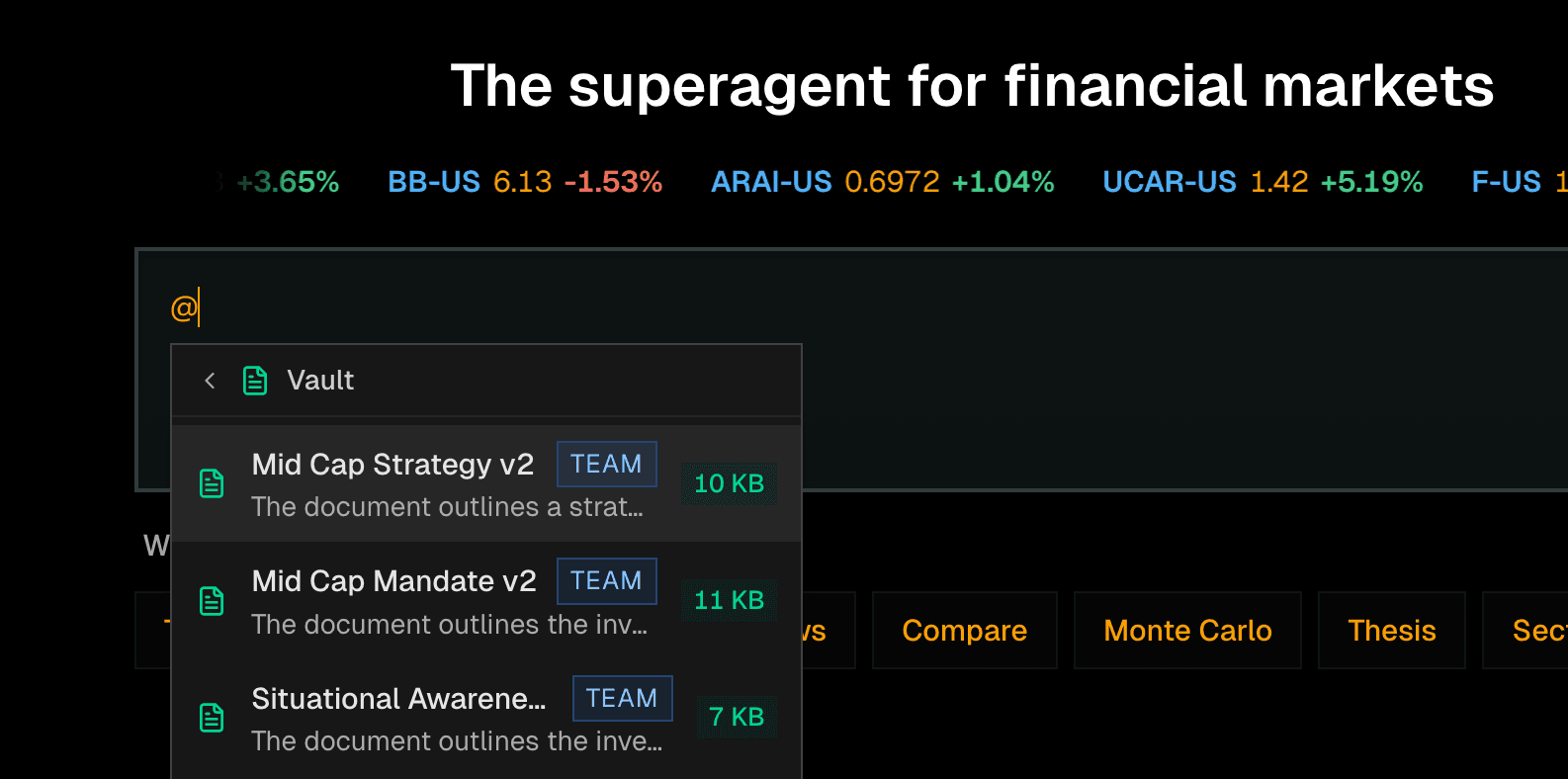
Investment research gets complicated quickly once more than one person is involved. Portfolios belong to teams. Research belongs to a mandate. Files need permissions. Skills need to run on a schedule. The system has to understand who can see what, who can change what, and where each piece of work belongs.
This update hardens Kimpton for that reality. We expanded the enterprise workspace model across teams, sharing, skills, scheduled work, and vault-backed context so investment teams can operate with clearer boundaries and less manual coordination.
What's New
- Team workspaces with scoped access to shared resources
- Enterprise organization provisioning and membership management
- Workspace-scoped skills with clearer ownership and sharing behavior
- Scheduled skills with run history, notifications, and admin controls
- Vault mentions and context toggles inside agent inputs
- Stronger permission boundaries for portfolios, vault files, trade proposals, and dashboards
Why This Matters
AI research tools are only useful inside an institution if they respect the institution. A hedge fund, family office, or advisory team needs different people to collaborate without leaking context across teams or mixing personal work with shared investment work.
Kimpton now treats workspace scope as a first-class part of the product. Skills, files, dashboards, trade proposals, and portfolio context can be tied to the team or user that owns them, making the product safer and more practical for real investment organizations.
Team Workspaces
Enterprise users can work inside team-scoped spaces instead of forcing everything into one personal workspace. This gives investment teams a cleaner way to separate mandates, client contexts, and shared research workflows.
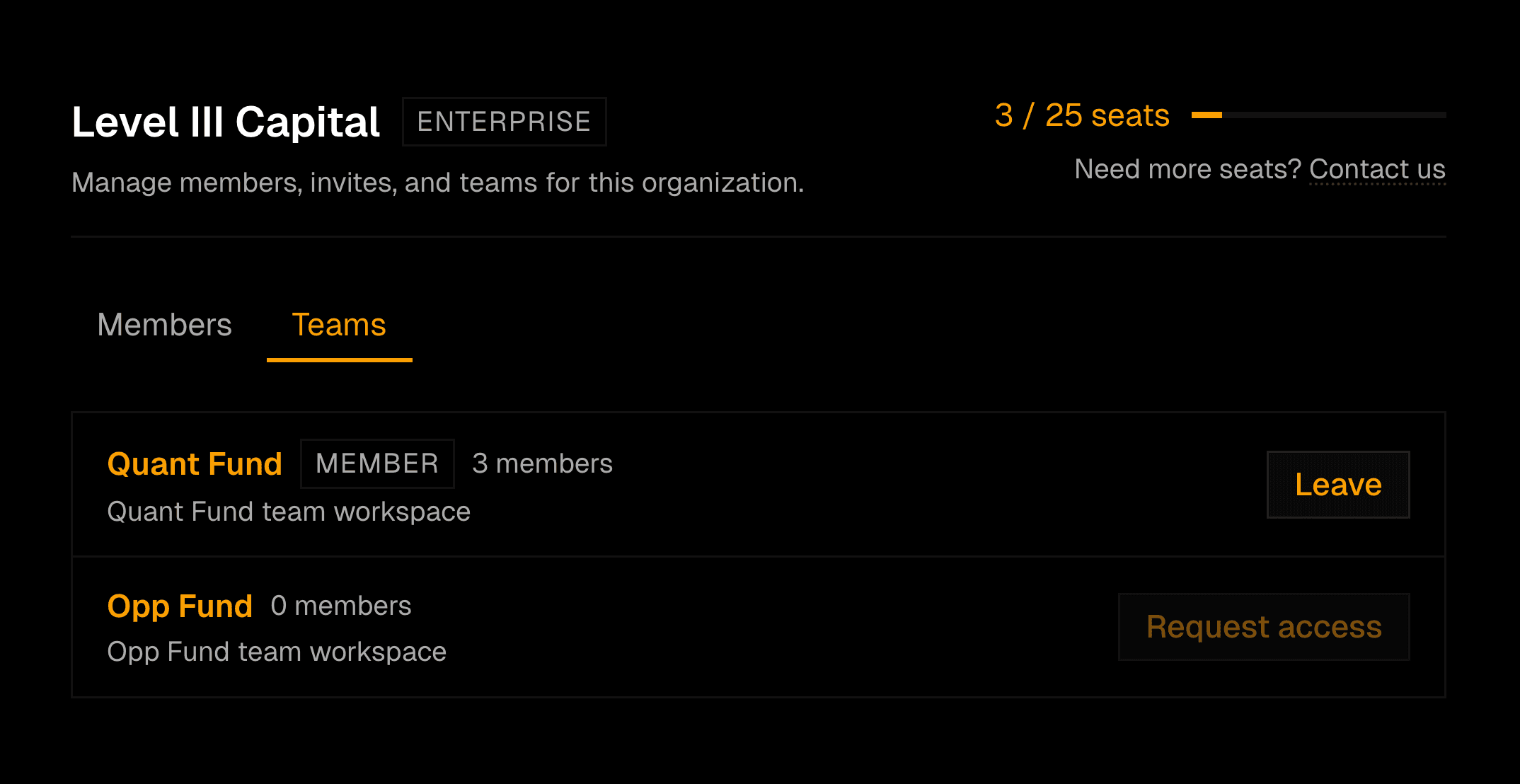
- Provision enterprise organizations and users from internal tooling
- Separate personal and team-owned resources
- Share portfolios, vault files, skills, and dashboards with the right workspace
- Preserve admin visibility without weakening user-level boundaries
Workspace-Scoped Skills
Skills now behave more like shared team infrastructure. A skill can be authored, shared, added, removed, refreshed, and scheduled with clearer ownership. The sidebar and skills library reflect where a skill came from and who can use it.
Try building
- “A daily macro briefing skill for the investment committee”
- “A weekly portfolio risk review for a team workspace”
- “A client-specific monitoring skill scoped to one mandate”
- “A sector watchlist skill shared across the research team”
Scheduled Research
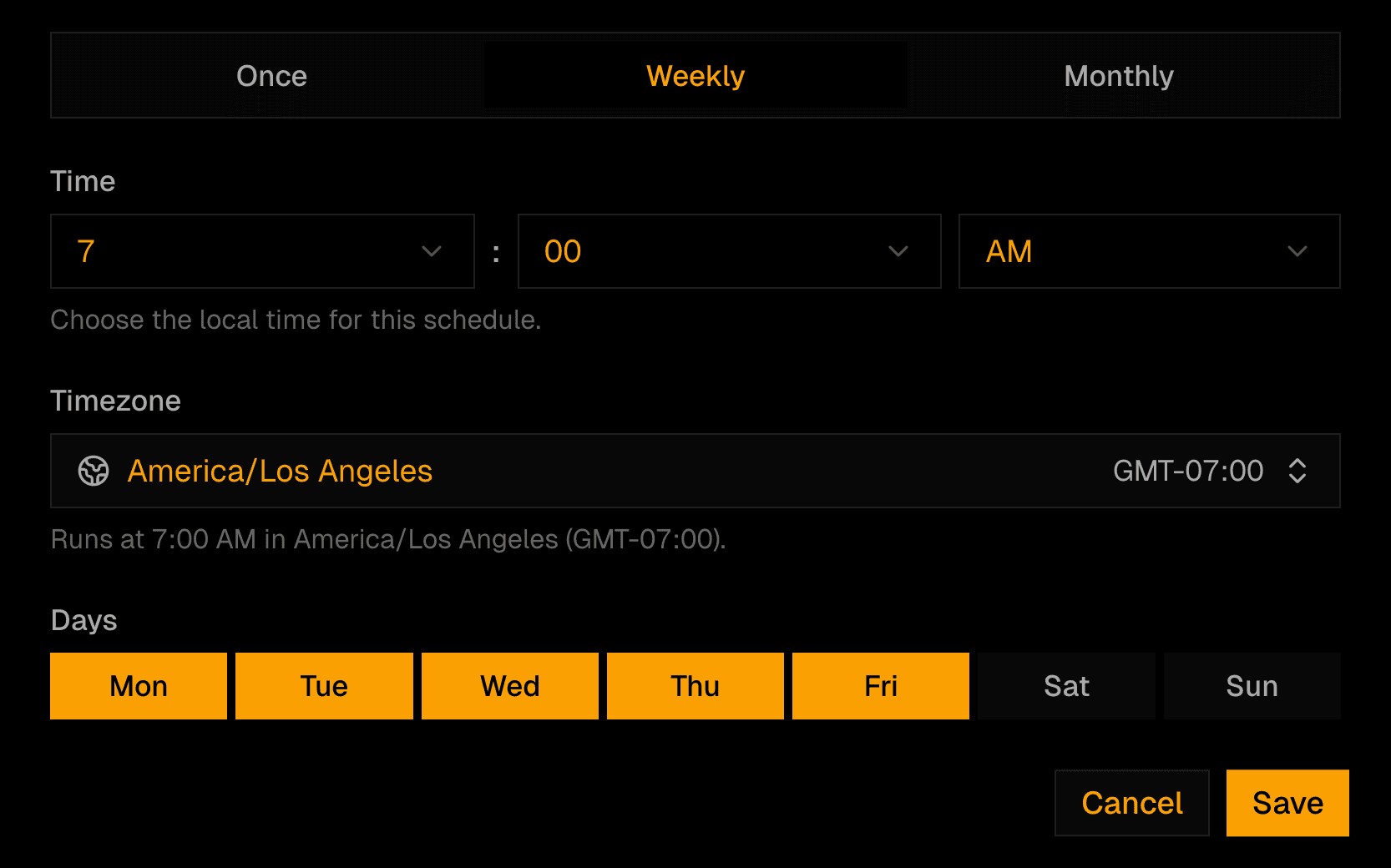
Pro and Enterprise users can schedule skills to run automatically. Each scheduled run has status tracking, history, read-only output rendering, and notifications so recurring workflows can move from ad hoc prompts to repeatable operating processes.
- Create personal and shared schedules
- Track scheduled run history and completion status
- Receive notifications when scheduled work finishes or fails
- Manage scheduled jobs from platform admin tooling
Vault Context Controls
Vault context can now be included more deliberately in agent workflows. Mention vault documents directly, toggle vault context on or off, and make missing resources visible when a prompt references something Kimpton cannot access.
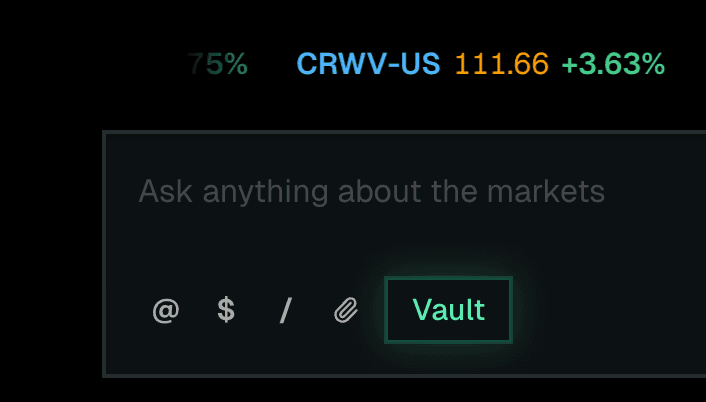
The result is a cleaner contract between the user and the agent: the model can use the right private context when it should, and stay out of it when it should not.
Try the latest update
Set up a team workspace, share a skill, schedule recurring research, and bring vault context into the agent only when it belongs there.
Join our newsletter to get early access to new Kimpton AI features and updates.